Top 4 Social Media Scheduling Platforms 2026
Choosing a social media management platform that balances easy post scheduling with team approvals, white-label exports, and AI-powered content ideas can leave agencies and small businesses wrestling with workarounds and scattered tools. Many options force teams to either pay steep price jumps for essential analytics, settle for unreliable auto-posting integrations, or navigate cumbersome interfaces that slow down weekly campaigns. This review lays out price points, approval workflows, reporting depth, and automation coverage side by side so you can pick the right fit for your client count, feature needs, and budget without wasting weeks on demos.
Table of Contents
M50 Media Digital Coaching
At a Glance
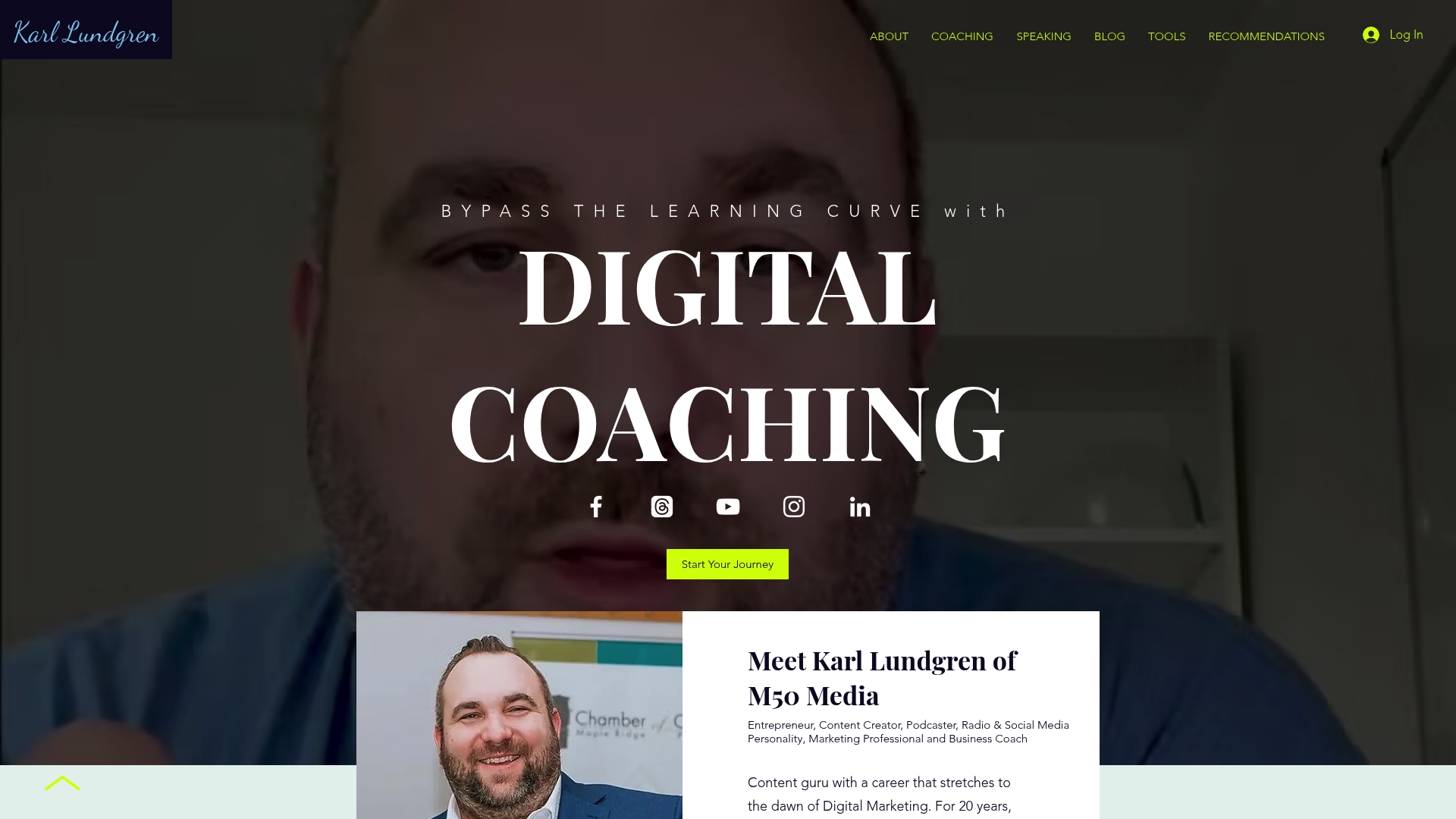
M50media publishes a clear entry price: a $100 CAD 40-minute digital coaching session and a free strategy call to scope next steps. Karl Lundgren runs the coaching personally and the programme centres on practical marketing actions for small businesses.
Core Features
Online business coaching and one-to-one strategy sessions focused on SEO, advertising, AI, and social media form the backbone of the service. Sessions include bespoke checklists and follow-up notes you can apply the same day.
The offering also includes access to a library of marketing tools and resources and the M50 Blog, which acts as an educational hub for small business owners. A book release is planned for 2026 that will expand the coaching material into a reference guide.
Key Differentiator
Karl Lundgren brings over 20 years of marketing experience and combines classic channel tactics with practical AI uses and social media techniques. That cross-discipline approach is the single skillset most referenced by clients when they describe how strategy moved from theory to execution.
Pros
Practical, session-first format. Sessions produce step-by-step homework you can implement that week rather than high-level slide decks.
Broad topical scope: SEO, paid advertising, AI and social media strategy are covered in the same coaching relationship so your marketing plan stays coherent.
Senior-led advice. Karl works directly with clients instead of routing strategy through junior coaches which keeps recommendations tight and decision-focused.
Accessible start point. The free strategy call reduces friction for busy owners who want a quick evaluation before committing time or budget.
Resource-backed coaching. The M50 Blog and shared toolkits provide reference material after sessions so you are not left rebuilding basics alone.
Cons
Pricing detail beyond the single-session rate is limited, so teams that want packaged retainers or scalable enterprise support will need a discovery conversation to map scope and cost.
Who It’s For
Small business owners, solo founders and early-stage entrepreneurs who want practical guidance on search visibility, paid campaigns and social strategy. Also useful for marketing professionals who need a second opinion on client strategies without hiring an agency.
Unique Value Proposition
Free strategy calls plus a low-friction $100 CAD session give you a low-cost, low-commitment way to test Karl Lundgren’s advice before buying larger coaching blocks. That entry economics is the quickest path for a busy owner to validate value without a long procurement cycle.
Real World Use Case
A small retail owner books a 40-minute session, gets a targeted SEO checklist and a two-week social posting plan. Within six weeks the owner had clearer keyword priorities, refreshed product descriptions and an ad test that raised click-throughs on priority SKUs.
Pricing
Single sessions cost $100 CAD for 40 minutes. A free initial strategy call is available to scope follow-up coaching. Package rates for recurring coaching are not listed publicly and require a follow-up discussion.
Website: https://m50media.com
Loomly
At a Glance
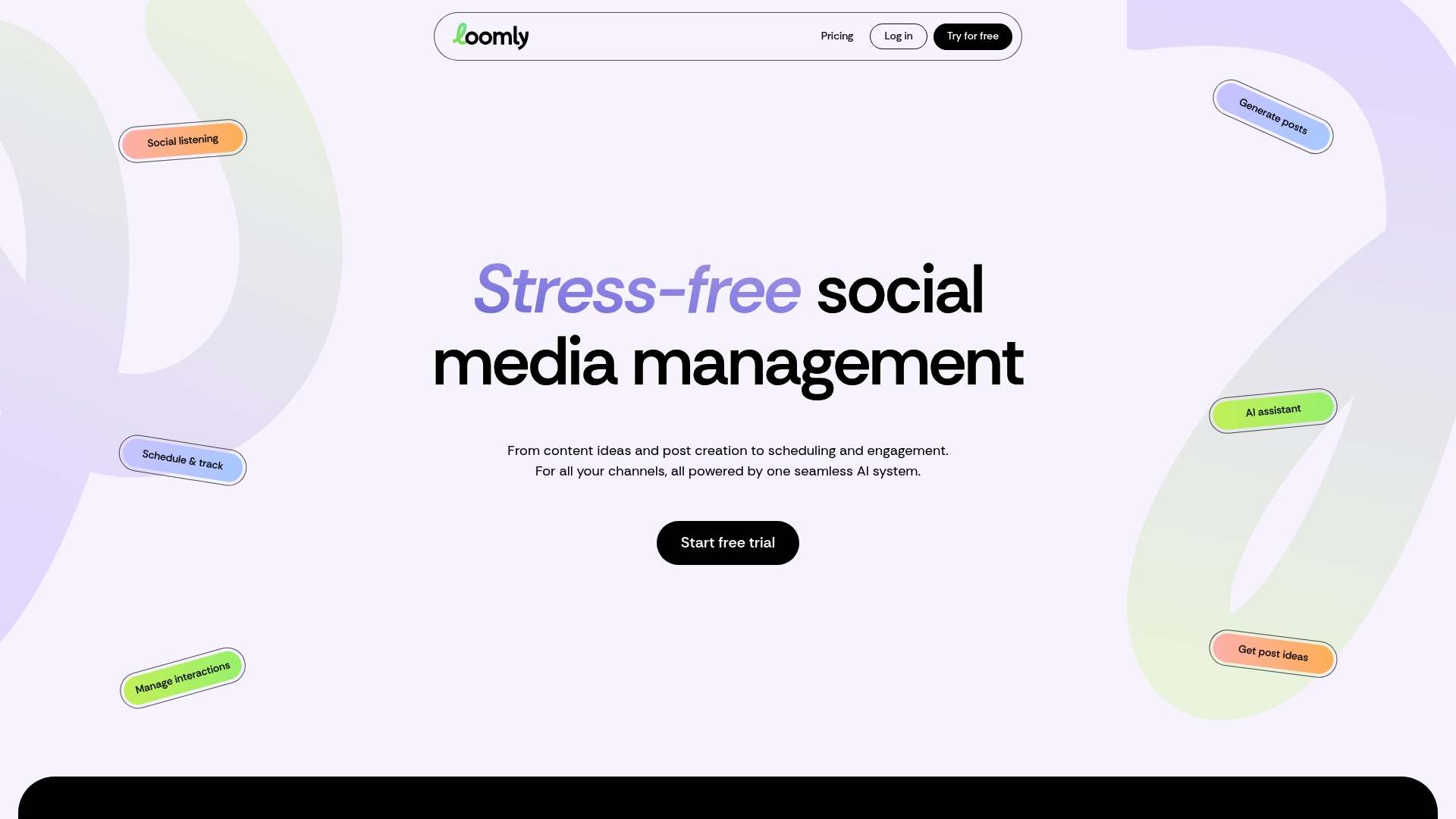
Starter plans begin at $49/month billed annually, with custom enterprise options available on request. Loomly combines a calendar-first workflow with AI suggestions and team approvals, making content collaboration straightforward for small marketing teams.
Core Features
Loomly centres on a content calendar and scheduling interface that keeps campaigns and drafts visible across channels. The post composer includes optimisation prompts and previews for major platforms so copy and media fit each destination.
Approval workflows let managers review and approve posts without exporting drafts. Social listening and trend monitoring feed ideas into the calendar so teams can react to topics quickly.
The platform also offers AI-powered post ideas and analytics for performance tracking across accounts.
Key Differentiator
Loomly’s angle is practical collaboration. The product focuses on structured review flows and calendar clarity supported by AI suggestions, which suits teams that prioritise predictable approvals over advanced automation. That narrower focus makes Loomly easier to adopt than tools built for heavy automation.
Pros
Intuitive interface speeds up onboarding for new social coordinators and contractors; structure is predictable and easy to teach.
Approval workflows keep stakeholders in one place so approvals do not get lost in email or chat.
Strong content planning features let teams draft months of posts, manage variants, and preview platform-specific renders.
Helpful reporting and detailed analytics provide engagement and post performance metrics useful for weekly reporting.
Multi-account management and role controls work well for agencies handling several client pages.
Cons
Some users reported significant, unexpected price increases that created budget disruption.
Instagram integration is reported as unreliable for auto-posting, which complicates workflows that depend on hands-off publishing.
Direct auto-posting is limited on certain platforms, requiring manual steps or third-party connectors for some channels.
Customer support responsiveness can vary, which prolongs resolution for urgent publishing issues.
When It May Not Fit
If your operation depends on guaranteed Instagram auto-posting or fully automated publishing across niche platforms, Loomly may be a poor match. Also avoid it if you need round the clock support and immediate escalation or if you require advanced automation beyond what the platform advertises.
Notable Integrations
Facebook
Instagram
LinkedIn
TikTok
YouTube
Pinterest
Google Business Profile
Threads
Who It’s For
Marketing teams, social media managers, freelancers, and small to medium sized businesses that manage multiple accounts and need clear approval flows. Agencies that prioritise client sign off and regular content calendars will find Loomly particularly straightforward.
Real World Use Case
A marketing team plans a month of posts for Facebook, Instagram, and LinkedIn in Loomly. The content calendar schedules posts, the internal approver signs off inside the platform, and the team tracks engagement metrics to refine posts for the following month.
Pricing
Plans vary by tier. The vendor lists a Starter plan from $49/month billed annually, with higher tiers unlocking more accounts and features. Custom enterprise pricing is available on request.
Website: https://loomly.com
SocialPilot
At a Glance
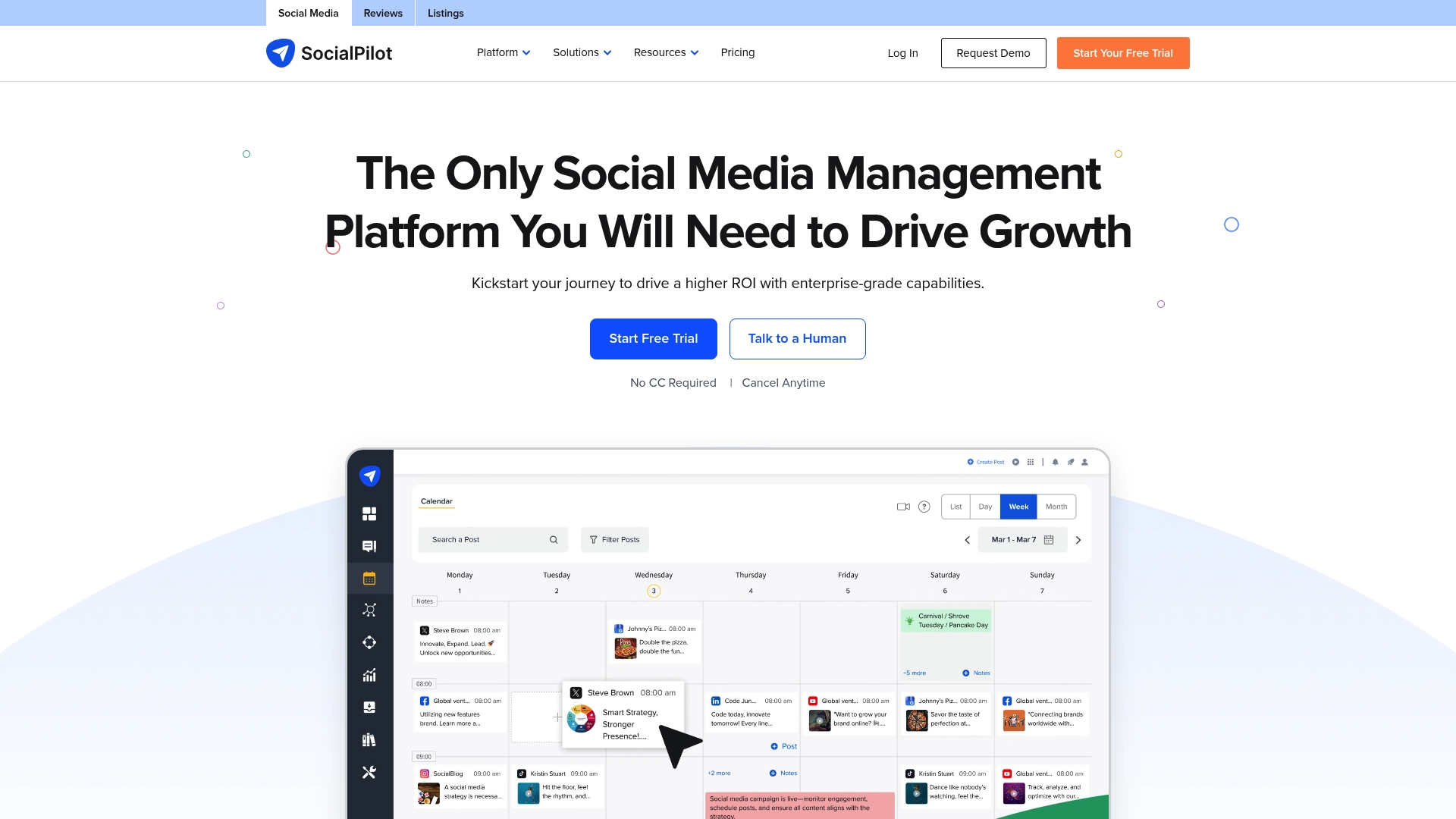
The vendor advertises plans starting at $20/month for Essentials and up to $200/month for Enterprise, with annual discounts and extra fees for additional accounts or users. SocialPilot pairs white-label options with AI-assisted content tools aimed at agencies and multi-location brands.
Core Features
Social media publishing and scheduling across multiple profiles with a calendar view and bulk import support.
Analytics and reporting for post performance and client-ready exports.
Engagement inbox that centralises comments and messages for response management.
Team collaboration tools including approval workflows and a shared content library.
Key Differentiator
SocialPilot positions itself around affordability and scale. Its white-label offering and AI content assistance make it attractive to agencies that resell social services or manage hundreds of client accounts, while keeping the interface approachable for smaller teams.
Pros
Flexible pricing makes the tool accessible across team sizes. That pricing structure helps agencies control cost as they add client accounts.
Easy account connections let you attach multiple Facebook, Instagram, TikTok and LinkedIn profiles without complex setup.
The calendar and bulk upload features save hours when you schedule weekly or monthly campaigns for several clients.
Responsive support and a sizeable resource library shorten the onboarding curve for new hires and small teams.
Cons
Several users report the interface can feel cluttered, which adds clicks for routine tasks and slows simple workflows.
Social profiles occasionally need reconnection, which can interrupt scheduled publishing and require manual fixes.
Reporting is serviceable for high level metrics but lacks advanced drill-downs that analysts at larger agencies expect.
Manual hashtag entry and post customisation remain time consuming for high-volume content creators.
When It May Not Fit
If your agency needs enterprise-grade analytics or automated profile stability for mission critical publishing, SocialPilot may fall short. Teams that require in-depth, custom reports or zero-touch profile refreshes will find the reporting and reconnection behaviour limiting.
Notable Integrations
Facebook
Instagram
TikTok
Twitter
LinkedIn
Threads
Bluesky
YouTube’,‘Pinterest’,'Google Business Profile
Who It’s For
Social media managers, small to large marketing agencies, and multi-location brands that need a cost conscious platform with team workflows and white-label options. Good for teams that prioritise scheduling efficiency over advanced bespoke analytics.
Real World Use Case
An agency managing 100 client profiles uses SocialPilot to schedule posts, collect reviews, and deliver monthly reports. The white-label exports let the agency present analytics under its brand while saving staff time on repetitive scheduling tasks.
Pricing
The vendor advertises plans from $20/month to $200/month, with discounts for annual billing and additional fees for extra accounts or users. Free trials and tiered features let teams test fit before committing.
Website: https://socialpilot.co
Vista Social
At a Glance
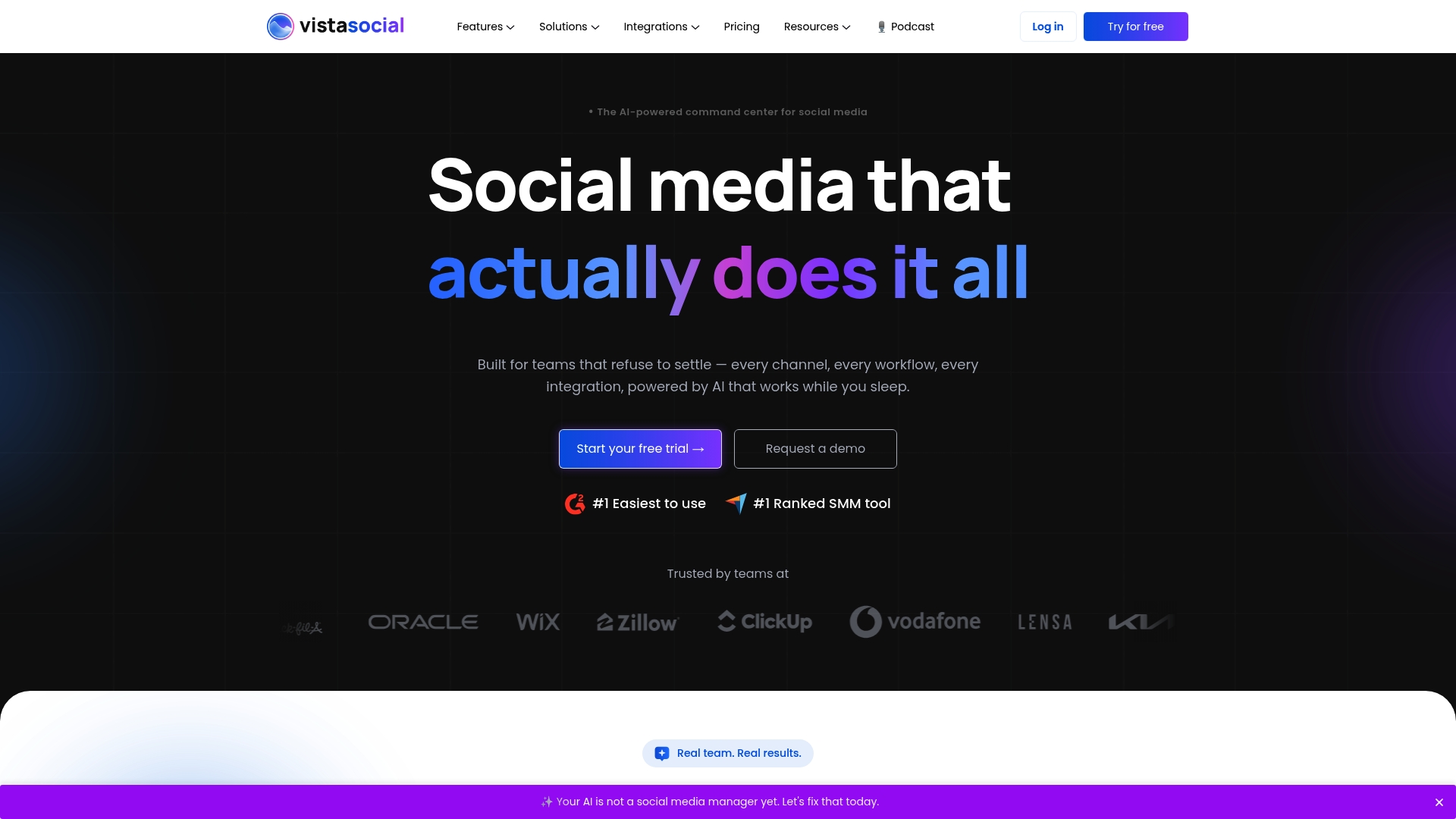
Vista Social reports being trusted by over 30,000 brands and agencies worldwide. That scale pairs with a product that blends publishing, review monitoring, analytics, social listening, and AI powered automation into a single workspace for teams.
Core Features
Publishing and scheduling with bulk uploads and a visual calendar for campaign planning.
Unified inbox that collects comments, messages, and reviews across networks for one workflow.
Deep analytics and custom reporting to drill into post performance and audience trends.
Social listening and monitoring across major and niche networks for brand mentions.
Review management across Yelp, TripAdvisor, Google, and Trustpilot.
Key Differentiator
Vista Social leans heavily on AI for natural language automation while supporting a wider set of platforms than many competitors. That combination aims to reduce repetitive replies and speed caption creation, and it also covers niche networks that some tools ignore.
Pros
Dashboard layout makes account management feel organised and fast to scan, which helps teams with many clients or locations stay on top of queues.
Advanced analytics and custom report exports save hours when you prepare monthly client reports for stakeholders.
Flexible automation lets you generate captions, auto-respond to messages, and schedule triggers without writing custom scripts.
Multi-location and review monitoring capabilities suit franchises and retail chains that need central oversight plus local controls.
Vendor support includes training resources and onboarding help, which reduces ramp time for new users.
Cons
Pricing jumps steeply at higher tiers, so small teams can find advanced features expensive compared with per-user plans.
The feature set is deep and some scheduling workflows take time to master, which slows initial adoption.
Users report occasional posting errors or warnings that require manual fixes during busy campaigns.
The inbox layout can confuse new team members until a consistent workflow is established.
When It May Not Fit
If your team has a tight budget and needs advanced reporting or white labelling, the higher-tier costs may be prohibitive. Teams that need a minimal, no-configuration tool will find Vista Social heavy. Also expect a learning curve for inbox and complex automation scenarios.
Notable Integrations
Facebook
Instagram
LinkedIn
Reddit
Snapchat
Threads
TikTok
X (Twitter) with scheduling and analytics support
Who It’s For
Marketing teams, social media managers, and agencies handling multiple clients or locations who require automation, reporting, and review oversight. Enterprises that need permissions, approval workflows, and white labelling will also find the platform appropriate.
Real World Use Case
A digital marketing agency centralises client accounts, schedules campaigns in bulk, and uses AI to draft captions. The team monitors reviews across locations, automates common replies, and exports custom reports for monthly client meetings, saving hours each reporting cycle.
Pricing
Plans start from $64/month for the Professional plan and scale up to custom enterprise solutions. The vendor offers a 14 day free trial and discounts for annual billing.
Website: https://vistasocial.com
Comparative Analysis
The reviewed services provide distinct approaches to social media management and business coaching. Each platform targets a specific user demographic, making their selection dependent on the nuanced needs of the individuals or teams leveraging the tools.
Specialisation in Social Media Workflow Management
When comparing Loomly, SocialPilot, and Vista Social, the emphasis is placed on content scheduling and management. Loomly stands out with its well-implemented approval workflows and calendar-driven organisation. However, these features result in a limitation in terms of platform integration reliability, such as for Instagram. SocialPilot, in contrast, captures a broader audience by catering to agencies with scalable, cost-efficient pricing and white-label services, although it is marked by a cluttered interface. Meanwhile, Vista Social excels in providing advanced analytics and reporting, alongside automation for multi-location teams but does experience onboarding complexity. Teams focusing heavily on collaborative and approval workflows might find Loomly easier to adopt. Agencies aiming for account scalability will likely benefit from SocialPilot, whereas larger enterprises valuing analytics and fine-grained automation could consider Vista Social despite the tradeoff of mastering a steeper learning curve.
Balancing Depth and Accessibility in Business Coaching versus Management Platforms
Unlike the competing platforms, m50 Media Digital Coaching offers hands-on, guidance in marketing practices instead of automated content management. This service better serves individuals or small business owners looking to improve marketing results with direct guidance from an experienced consultant. The lack of enterprise pricing detail may hinder its adoption among larger organisations seeking scalability. Moreover, while the other platforms provide specialised tools for social media publishing and analytics, they do not offer one-on-one strategy refinement tailored to the user’s real-time needs—a distinct differentiator for m50 Media.
Best Fit by Needs and Use Case
For tailored marketing advice and fast implementation steps across SEO, social media, and paid ads, m50 Media offers highly focused and practical guidance for small-scale users.
For managing multiple client accounts or profiles with scalable pricing and support, SocialPilot fits agencies better through affordability and white-labeling capabilities.
For efficient team collaboration on social media planning and approvals, Loomly is excellent for teams requiring predictable workflow structuring.
For in-depth analytics and multi-location campaigns, Vista Social provides powerful insights tailored for franchises or chains.
Our Pick
m50 Media Digital Coaching is ideal for small business owners and solo entrepreneurs seeking direct involvement with an experienced consultant to optimise their marketing strategies and campaigns efficiently. Its combination of a low-entry-cost trial session and resource packages is practical for individuals aiming to improve results without navigating complex software. However, teams that require automated social media publishing or advanced analytical capabilities for high-volume content might find SocialPilot or Vista Social more suitable.
Online Coaching and Social Media Management Platforms Comparison
When choosing a platform for strategy coaching or social media management, understanding the unique features each offers ensures an effective and time-efficient solution.
Product | Core Feature | Key Differentiator | Best For | Pricing | Notable Limitation |
M50media | Digital coaching with actionable plans | Senior-led advice combining SEO, AI, and social media | Small businesses and solo entrepreneurs | $100 CAD per 40-minute session | Pricing details for packages not disclosed |
Loomly | Content calendar with AI suggestions | Simple approval workflows for team collaboration | Small marketing teams | $49/month billed annually | Instagram auto-posting limited |
SocialPilot | Calendar scheduling and white-label reports | Affordable scalability for large client bases | Agencies managing multiple clients | $20–$200/month | Interface feels cluttered |
Vista Social | Unified inbox and AI automation | AI-driven natural language automation | Enterprises requiring advanced reporting | $64/month and up | Pricing for advanced features is steep |
Simplify Your Social Media Scheduling With Expert Guidance
Choosing the right social media scheduling platform can feel confusing when faced with challenges like managing approval workflows, ensuring reliable auto-posting, and tracking detailed analytics. The article highlights these key concerns for marketing teams seeking dependable tools that fit their needs without hidden costs or technical hiccups.
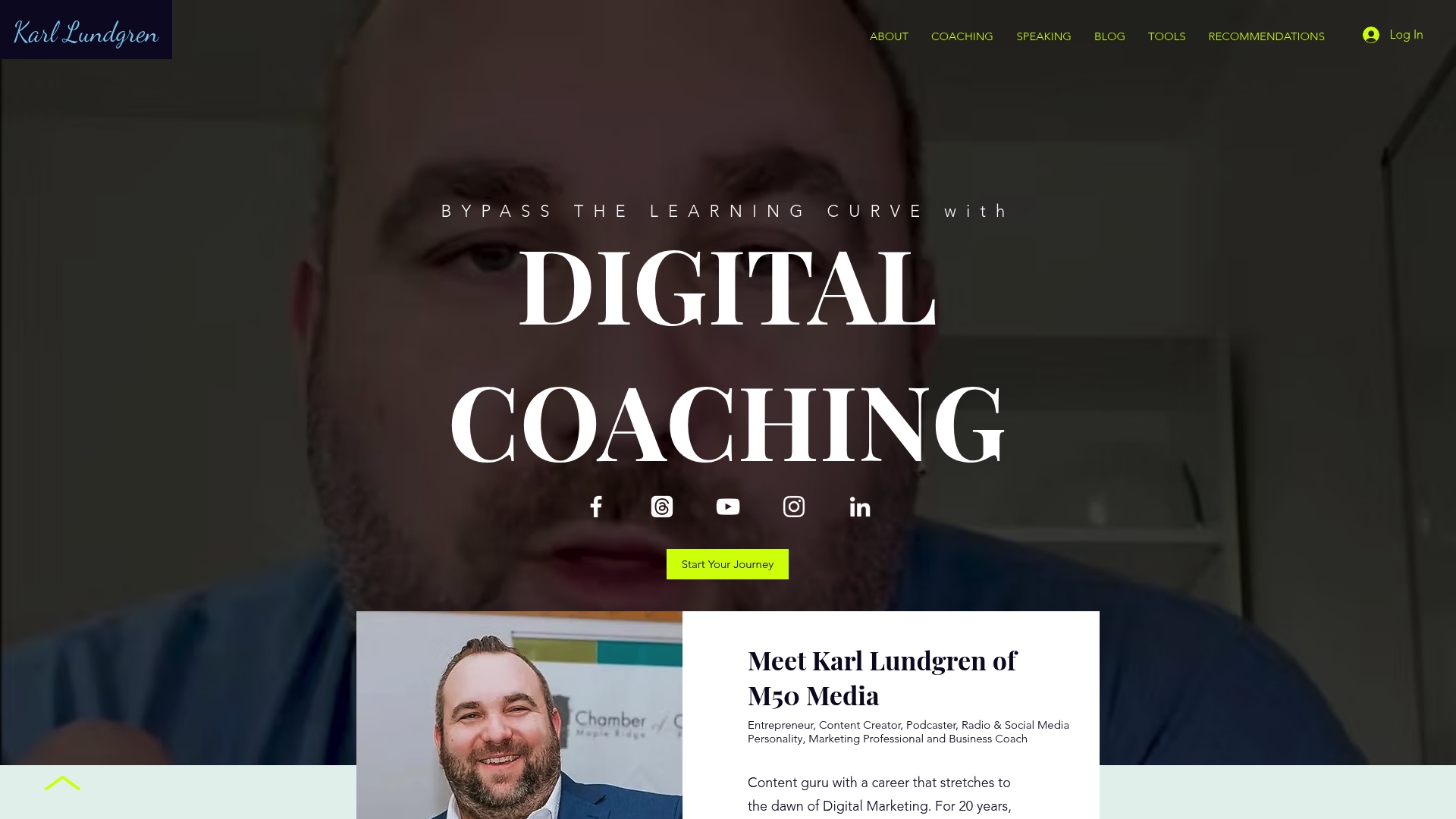
At M50media, Karl Lundgren offers practical digital coaching designed to help small business owners and marketing professionals make confident decisions about platforms like Loomly, SocialPilot, and Vista Social. Visit M50media to access tailored coaching, valuable resources, and a free strategy call that clarifies your best options. Book a 40-minute coaching session and receive a focused plan to improve your social media scheduling and marketing effectiveness now.
Frequently Asked Questions
How does M50media’s digital coaching session format benefit small business owners?
M50media’s digital coaching sessions produce step-by-step homework that can be implemented the same week, providing practical marketing guidance. Sessions include bespoke checklists and follow-up notes, ensuring actionable steps right after the coaching. Small business owners can expect to directly apply new strategies without delay.
What is the difference between M50media and Loomly for social media management?
Loomly offers strong approval workflows that allow teams to review and approve posts without exporting drafts, making it ideal for larger teams needing structured processes. M50media, on the other hand, excels in combining SEO, advertising, and social media strategy within a single coaching relationship. Teams focused on clear content management may find Loomly a better fit, while those wanting comprehensive marketing guidance should consider M50media.
Which platform provides a better initial low-commitment option?
M50media provides a free strategy call and a low-friction $100 CAD session, making it an ideal entry point for small business owners looking to validate marketing advice without a significant investment. This approach enables clients to assess value with minimal risk before committing to larger coaching blocks.
Can I expect clear pricing details with M50media’s services?
Pricing details beyond the single-session rate are limited, as teams interested in package retainers or scalable support will need to have a discovery conversation to establish scope and costs. This approach allows for tailored solutions but may require extra communication to understand overall pricing options.
How does M50media support its clients after coaching sessions?
M50media shares a library of marketing tools and resources, along with the M50 Blog, which serves as an educational hub for small business owners. This ensures clients have reference material following their sessions, helping them reinforce and apply what they have learned.
Recommended
Comments