Top 3 Social Media Scheduling Tools List Alternatives 2026

Relying on traditional social media scheduling tools can leave teams boxed in by rigid publishing features and shallow strategic support. Many of these platforms limit hands-on marketing guidance, fail to address holistic business needs or require juggling additional tools for true marketing direction. Comparing these three alternatives lets you decide whether coach-led sessions, purpose-built agency platforms or simple publishing software is the best fit for your next stage of marketing growth.
Table of Contents
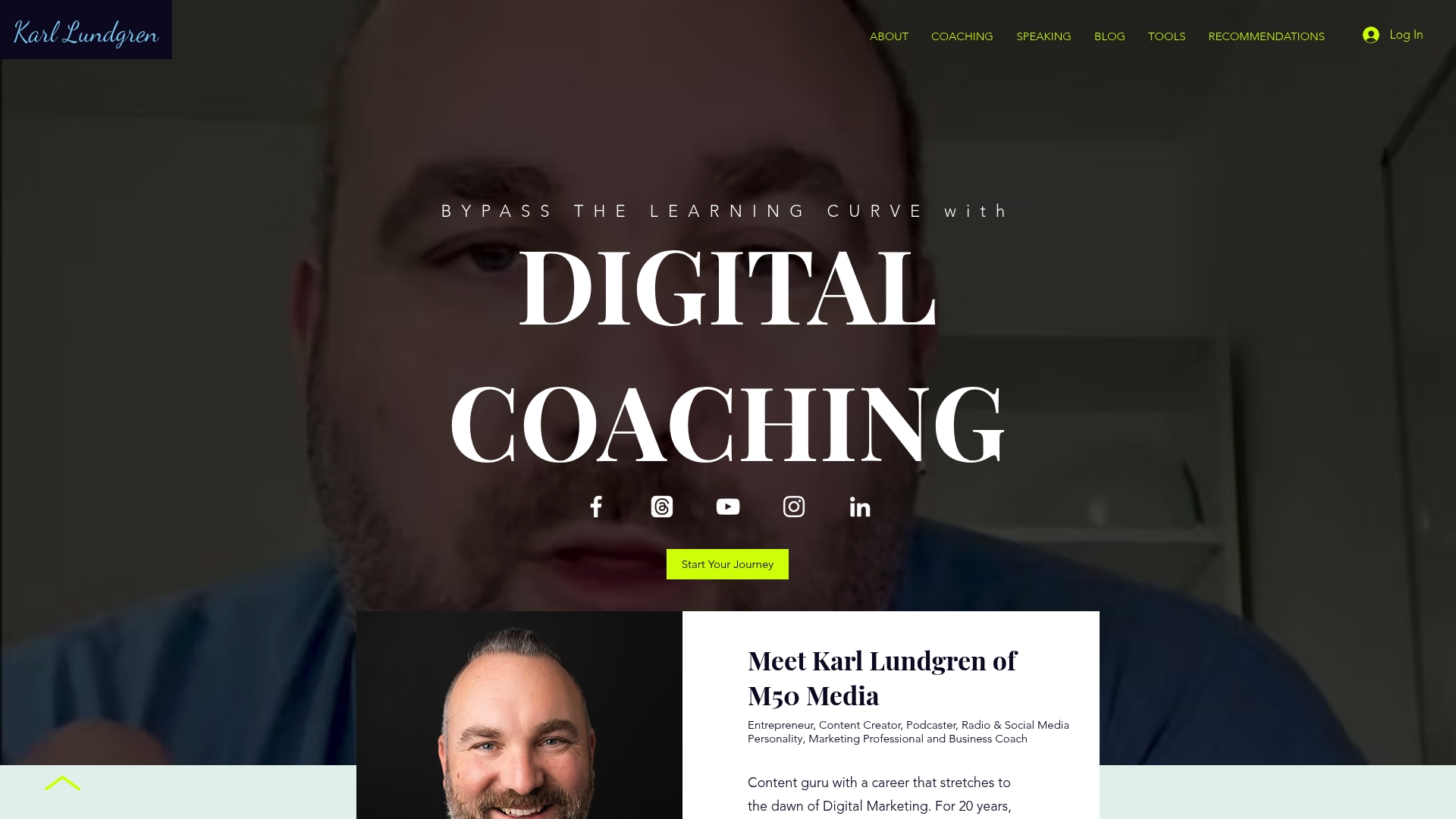
Digital Coaching by M50 Media
At a Glance
Karl Lundgren offers a 40-minute digital coaching session listed at $100 Canadian dollars, with a free marketing SOS call available for quick troubleshooting. M50 Media also operates the M50 Blog and plans to publish a foundational marketing book in 2026.
Core Features
Online coaching sessions with Karl Lundgren focused on marketing, SEO, social media, and automation.
Business and marketing strategy courses supplemented by the M50 Blog for ongoing learning.
A booking system for one-off sessions and free strategy SOS calls for rapid assessments.
Practical social media and content marketing guidance delivered through coaching and posted articles.
Key Differentiator
The coaching is delivered directly by Karl Lundgren, a marketing professional with two decades of experience, and is explicitly tailored to small-business needs. That direct access to a single, senior practitioner makes the offer feel more like mentor-led counsel than a generic course catalogue.
Pros
Direct senior expertise. Working with one coach removes handoffs common at larger firms and keeps strategy aligned to a single vision.
Flexible access. The combination of a paid 40-minute session and a free SOS call lets you get quick fixes or deeper strategy without a long contract.
Practical output. The M50 Blog supplies worksheets, examples, and case-style articles that you can apply between sessions.
Multi-channel focus. Advice covers SEO, social media, and automation so you can unify channels rather than treat each in isolation.
Publishing roadmap. A forthcoming book in 2026 promises a structured reference you can use after coaching ends.
Cons
The homepage provides limited detail on structured course formats or long-term package options, so you may need a discovery call to clarify ongoing engagement paths.
Who It’s For
Small-business owners and entrepreneurs who prefer mentor-led coaching over self-paced courses, and who want hands-on help with SEO, social media, and marketing workflows. Also useful if you value a mix of short tactical calls and longer strategy sessions.
Unique Value Proposition
The combination of short paid sessions plus free SOS calls lets you purchase targeted, time-boxed expertise when you need it. For small teams without a full-time marketer, that pricing and access model turns intermittent problems into actionable fixes without a retainer.
Real World Use Case
A retail owner books a 40-minute session to revise product-page SEO and to plan a two-week social campaign. They use the free SOS call to check a last-minute caption and then follow M50 Blog examples to implement recommendations the same day.
Website: https://m50media.com
Buffer
At a Glance
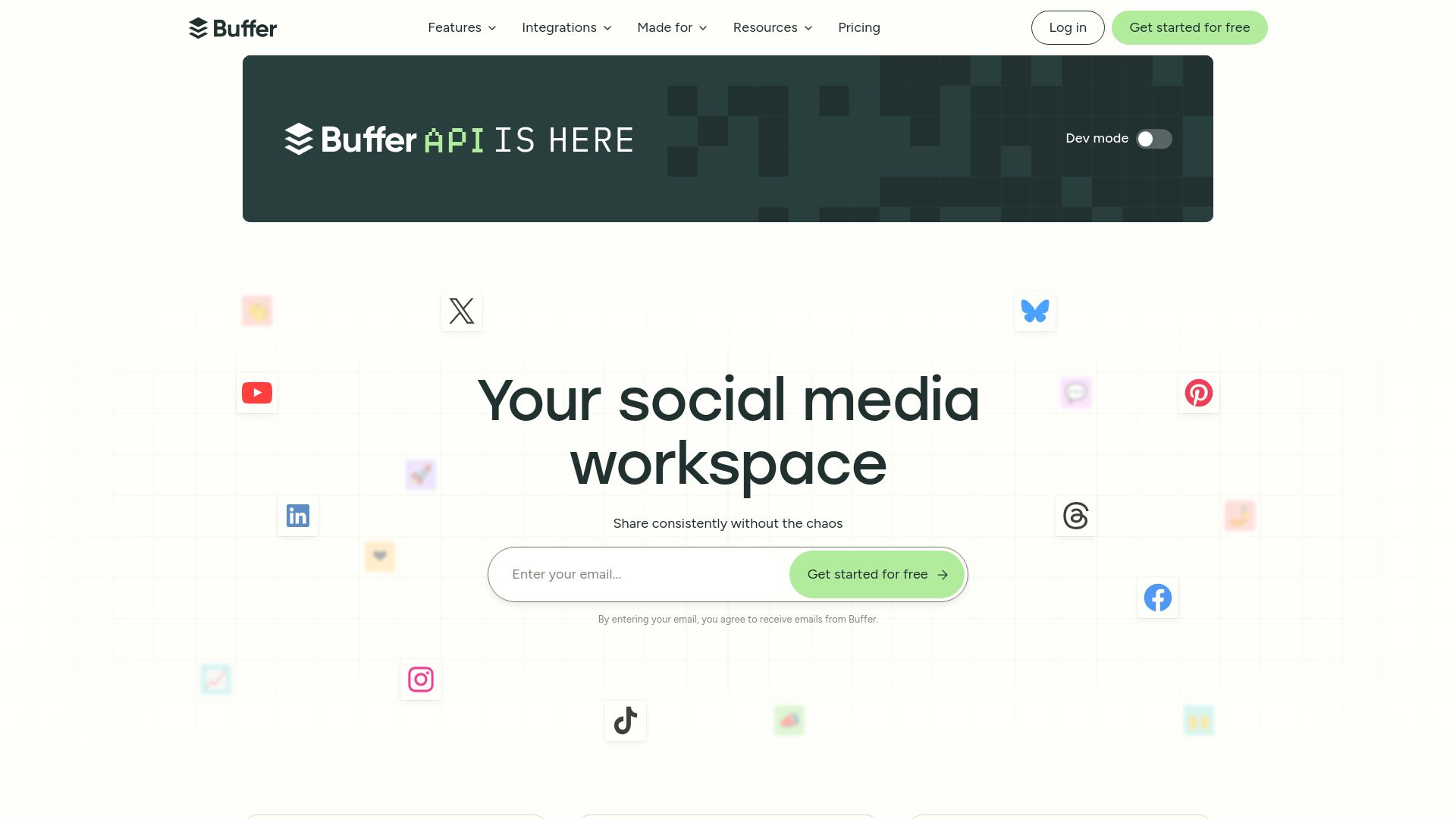
Buffer includes an AI assistant for content creation across both web and mobile, which many teams use to speed up draft writing and repurposing. Its clean, approachable interface and predictable scheduling are the other immediate standouts for small teams.
Core Features
Publish for scheduling across Facebook, Instagram, TikTok, LinkedIn and others is the operational backbone. The Create assistant helps generate and organise copy drafts and repurposed posts.
Community inboxes centralise comments and replies so teams manage engagement without switching apps. Reporting tools surface basic performance metrics and exportable summaries for client updates. Team workflows support drafting, review and approval stages.
Key Differentiator
What separates Buffer is the combination of a straightforward interface with dependable multi‑platform publishing. That focus favours marketing teams and creators who value predictability and low friction over deep customisation or advanced automation features.
Pros
The interface lowers the onboarding time for new team members; calendar and queue views are obvious and require little training.
Publish maintains a high success rate for scheduled posts according to user reports, which reduces manual re-posting for day‑to‑day publishing.
Collaboration features let editors and approvers work inside the same queue, reducing email back‑and‑forth during campaign prep.
The inclusion of an AI assistant in Create helps produce short-form captions and variant ideas quickly, useful for agencies managing many client accounts.
Cons
Analytics are basic; teams that need deep attribution, cohort analysis or advanced cross‑platform funnels will find the reporting limited.
Some customers report intermittent posting errors. These are not universal but affect scheduling reliability for a subset of accounts.
Costs rise as you add accounts or seats; managing many clients can become expensive compared with per‑client focused tools.
Automation and advanced customisation options are constrained compared with enterprise platforms.
When It May Not Fit
If your team needs granular analytics, complex automation rules or platform orchestration at enterprise scale, Buffer will feel narrow. Agencies that require guaranteed 24/7 publishing uptime and priority support should consider platforms with enterprise SLAs instead. Teams that rely on heavy custom integrations may also find the feature set limiting.
Notable Integrations
Canva for drag‑and‑drop image creation.
Google Drive, Dropbox and OneDrive for asset management.
IFTTT for simple cross‑app automation and triggers.
Who It’s For
Social media managers, small teams and agencies that prioritise clear scheduling, straightforward collaboration and a short learning curve. Ideal when you manage multiple platforms and need reliable day‑to‑day publishing without a steep admin burden.
Real World Use Case
A digital marketing agency uses Buffer to schedule posts for multiple clients, route drafts through an internal approval queue and monitor post summaries for weekly reports. That workflow reduces manual coordination and keeps client calendars consistent across platforms.
Pricing
Buffer offers a free tier with basic scheduling and a limited number of linked accounts. Paid plans unlock additional accounts, team seats, and the AI creation features; exact tiers and limits are available on Buffer’s pricing pages.
Website: https://buffer.com
Sendible
At a Glance
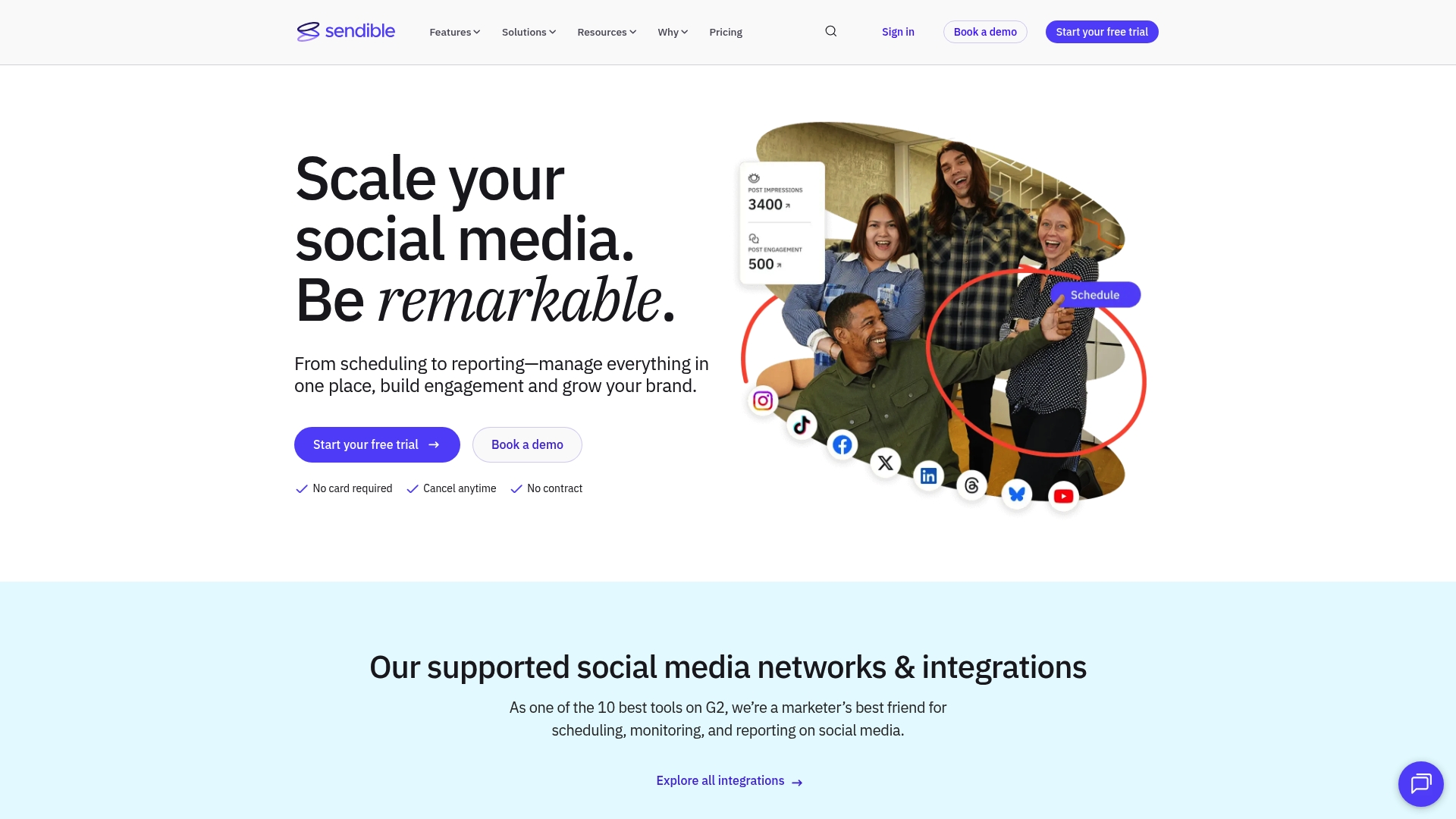
The vendor advertises being trusted by over 30,000 agencies and marketers, a claim that positions Sendible squarely for agency workflows. The product bundles scheduling, approvals, client onboarding and reporting into one interface, though users commonly report uneven support responsiveness and rigid billing.
Core Features
Content library with post ideas and bulk import for large calendars.
Automated reporting that generates client-ready analytics and exportable PDFs.
AI assist for caption generation and content customisation to speed copy creation.
Team collaboration and approval workflows for multi-user review and client sign-off.
Multi-platform publishing across Instagram, Facebook, Twitter, TikTok, LinkedIn, YouTube, Google Business and Threads.
Key Differentiator
Sendible packages agency needs into a single tool: content planning, client onboarding, approval flows and reporting all live together. That combination is aimed at teams who manage many client profiles and want client-facing controls without assembling point solutions.
Pros
Effective for agencies juggling many client accounts. The interface centralises calendars, approvals and client access to reduce email back-and-forth.
Strong content organisation helps keep assets, ideas and approved posts searchable across clients and campaigns.
Reliable scheduling across major social platforms, including Instagram Stories and TikTok, which cuts down on manual uploads.
Advanced reporting creates presentation-ready exports that help justify social spend to clients in monthly reviews.
Team features and secure access controls support distinct client permissions without complex IT setup.
Cons
Customer support responsiveness and quality can be inconsistent, which delays fixes for busy account teams.
Billing practices may feel inflexible for agencies that scale seats up and down monthly, creating administrative friction.
Analytics depth may not satisfy enterprise clients that need raw data pipelines or custom metrics.
New users face a steep learning curve; the abundance of features means training time before junior staff are fully productive.
When It May Not Fit
If your organisation requires deep, exportable raw analytics for BI pipelines, Sendible’s reporting may be too shallow. If you need highly flexible billing that scales down week to week, the platform’s billing model could be awkward. Small teams wanting plug-and-play simplicity may find the feature set overwhelming.
Notable Integrations
Facebook
Instagram
Twitter
TikTok
LinkedIn
YouTube
Google Business
Threads (Meta)
Who It’s For
Marketing agencies, social media managers and brand teams handling multiple client accounts who need combined scheduling, approvals and client-facing reporting. Best for teams that can dedicate time to onboarding and internal training to get full value.
Real World Use Case
An agency managing over a hundred client profiles uses Sendible to centralise scheduling, route posts through approval workflows and deliver monthly reports. The result is fewer lost approvals, single-source content calendars and faster month-end reporting to clients.
Pricing
Pricing is not specified in the provided data. The vendor appears to use subscription tiers, likely with seat or profile-based limits and add-ons for advanced reporting and agency features.
Website: https://sendible.com
Comparative Analysis
The following comparison provides insight into three standout options: M50 Media Digital Coaching, Buffer, and Sendible, focusing on their core offerings, strengths, and the scenarios in which they are best suited.
Scope and Expertise of Offerings
M50 Media Digital Coaching excels in providing personalized, senior-led coaching tailored to small-business needs. Its focused sessions, combined with complementary SOS calls, allow users to resolve specific challenges effectively. Conversely, Buffer and Sendible support broader social media workflows with scheduling, content creation, and reporting capabilities, making them versatile for teams managing multiple channels rather than individual entrepreneurs.
Collaboration and Workflow Management
When managing a larger team or numerous client accounts, Sendible offers approval workflows, ensuring onboarding for agencies. It stands out with its ability to maintain client-specific operations. However, Buffer simplifies collaboration for smaller teams, offering streamlined tools like content queues and basic multi-platform publishing. M50 Media, with its mentorship-driven model, contrasts by focusing on advising rather than direct operational execution.
Best Fit Scenarios
M50 Media Digital Coaching: For solo entrepreneurs or small teams seeking targeted mentorship and strategic guidance for digital marketing challenges.
Buffer: For organisations prioritizing ease of access and streamlined scheduling across multiple platforms with essential analytics.
Sendible: For agencies managing extensive client profiles with a need for client-specific metrics and tailored reporting capabilities.
Our Pick
M50 Media Digital Coaching is the preferred choice for small-business owners requiring dedicated guidance on SEO, social media, and marketing workflow refinement. With its focus on expertise and mentorship from Karl Lundgren, it provides individualised support that broader platforms cannot replicate. However, if you require enterprise-level client management features or team-oriented publishing tools, evaluating platforms such as Buffer or Sendible may better align with those operational needs.
Comparison of Digital Marketing Coaching and Social Media Consultation Platforms
Making an informed decision on a digital marketing platform requires evaluation of unique benefits, pricing, and tailored offerings.
Product | Core Feature | Key Differentiator | Best For | Pricing | Notable Limitation |
M50media | Online mentorship and free SOS calls | Direct coaching by a seasoned professional | Small businesses seeking hands-on advice | $100 per session | Limited visibility into structured packages |
Buffer | Multi-platform social media scheduling | Simple interface for team collaboration | Small teams needing reliable scheduling | Free tier available | Limited advanced analytics |
Sendible | Agency-friendly scheduling and reporting | Centralised tools for managing client workflows | Marketing agencies with extensive client bases | Not disclosed | Steep learning curve for new users |
Manage Your Social Media Scheduling Challenges with M50media
Choosing the right social media scheduling tools can feel overwhelming especially when reliability, ease of use, and multi-channel management matter most. This article highlights key concerns like unpredictable posting errors, limited analytics, and complicated billing models that many teams face during their search for the ideal fit.
M50media offers tailored marketing coaching and hands-on support designed just for small businesses tackling these issues. With direct expert advice from Karl Lundgren and practical strategies shared on the M50 Blog, you gain clarity and confidence in selecting the right tools to suit your unique needs.
Stop guessing which scheduling platform fits your business best. Visit M50media to book a focused digital coaching session and get actionable next steps crafted specifically around your social media goals.
Frequently Asked Questions
How does M50media support hands-on help with social media marketing?
M50media offers online coaching sessions where Karl Lundgren provides expert guidance on various marketing strategies including social media. This is highlighted by the personalized approach to marketing consulting that M50media specializes in, allowing small-business owners to receive tailored advice. Consider scheduling a session to address your specific marketing challenges directly with an expert.
What is the difference between Buffer and M50media when it comes to social media scheduling?
Buffer is known for its user-friendly interface and reliable scheduling across multiple platforms, which can be beneficial for teams prioritizing straightforward scheduling. In contrast, M50media focuses on offering personalized coaching sessions tailored to small business needs, emphasizing hands-on strategy development over mere scheduling tools. If you’re looking for strategic guidance along with scheduling, M50media may be your better choice.
Can I use Sendible for multi-platform publishing as effectively as M50media?
Sendible excels at providing comprehensive tools for multi-platform publishing and client management, allowing agencies to handle numerous accounts in one place. M50media, however, offers targeted coaching to enhance your marketing strategies rather than focusing solely on publishing. For marketing insights and personalized advice, M50media can help you strategize more effectively.
How does M50media’s pricing compare to other platforms for digital marketing advice?
M50media offers a paid 40-minute coaching session priced at $100 Canadian dollars along with free marketing SOS calls for quick help. This pricing model contrasts with other platforms that might require long-term contracts for access. If you need flexible, immediate support, consider trying M50media’s offerings.
Does M50media offer resources that can supplement live coaching sessions?
Yes, M50media provides access to the M50 Blog, which includes worksheets and case-style articles that you can use between coaching sessions. This feature enables practical learning and application of strategies discussed in the coaching sessions. Engaging with these resources can enhance your understanding and implementation of effective marketing strategies.
Recommended
Comments