Top 6 Top Email Marketing Tools Alternatives 2026
Choosing the right digital marketing education service is complicated by coaching gaps, pricing ambiguity, or overly technical content that does not translate to real campaign improvements. Most options either lock practical examples and hands-on support behind long-term contracts or prioritise theory over actionable strategies, leaving business owners guessing how to apply what they learn. This comparison covers one-on-one coaching, platform automation, AI tools, and real-world case studies so you can select an education approach that delivers concrete marketing outcomes for your business.
Table of Contents
Digital Coaching Services by M50 Media
At a Glance
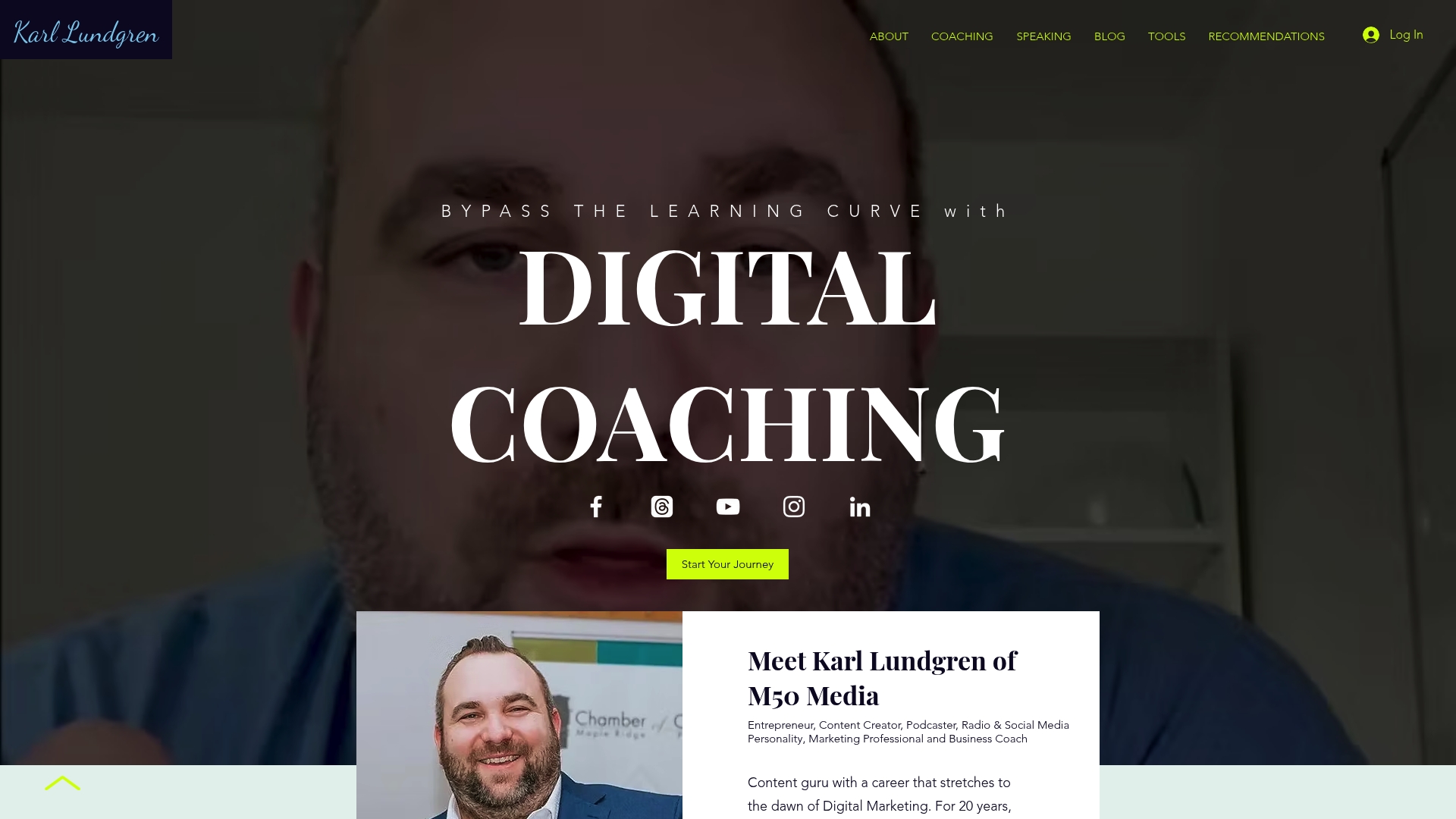
A 40-minute coaching session is listed at $100, and a free strategy call is available as the first step. M50 Media pairs one-on-one sessions with an active blog resource that supplements session work with examples and case studies.
Core Features
M50 Media centres its offer on personalized digital marketing coaching sessions delivered by Karl Lundgren and his team. Sessions cover SEO, social media, AI, and paid advertising tactics with practical next steps you can apply the same week.
Free strategy calls for quick diagnosis and prioritised next steps.
Online booking for single sessions so you can schedule without a sales cycle.
Educational content via the M50 Blog that matches coaching topics to articles and case studies.
Key Differentiator
Personalised coaching combined with hands-on strategies tailored for entrepreneurs and small businesses. The focus is direct guidance on implementation rather than high-level theory, so sessions aim to leave you with a specific task list and measurable first moves.
Pros
Experienced lead. Karl Lundgren brings two decades of digital marketing experience to session planning, which shortens the time spent testing tactics.
Formats that match urgency. The free strategy call lets you triage an issue quickly before committing to a paid session.
Practical learning path. The combination of one-on-one coaching plus the M50 Blog means you can revisit examples, templates, and case studies after the call.
Client-focused outcomes. Testimonials supplied by the service highlight clear business changes from session work, such as improved traffic or more focused ad spend.
Cons
Limited visibility into longer-term packages or ongoing coaching retainers, which makes it harder to plan multi-month programmes in advance.
Who This Suits
Entrepreneurs, small business owners, and in-house marketers who need targeted advice they can implement immediately. Ideal when you have a specific challenge — a lagging SEO funnel, an ad campaign that needs reframing, or a conversion issue on product pages.
Unique Value Proposition
Coaching is delivered under the M50 Media brand with direct access to Karl Lundgren and the M50 Blog as a learning hub. That pairing converts advice into repeatable steps you can test between sessions, reducing wasted trial and error on common digital marketing problems.
Real World Use Case
A small e-commerce owner books the free call, then a 40-minute session to rework product page SEO and social ad targeting. Within six weeks the owner reports increased organic sessions and a clearer ad budget allocation based on the session checklist and follow-up blog guides.
Pricing
Single-session pricing is explicit: $100 for a 40-minute coaching session. A free initial strategy call helps you decide whether to book a paid session; further package pricing is not published and requires inquiry.
Website: https://m50media.com
Mailnaptic
At a Glance
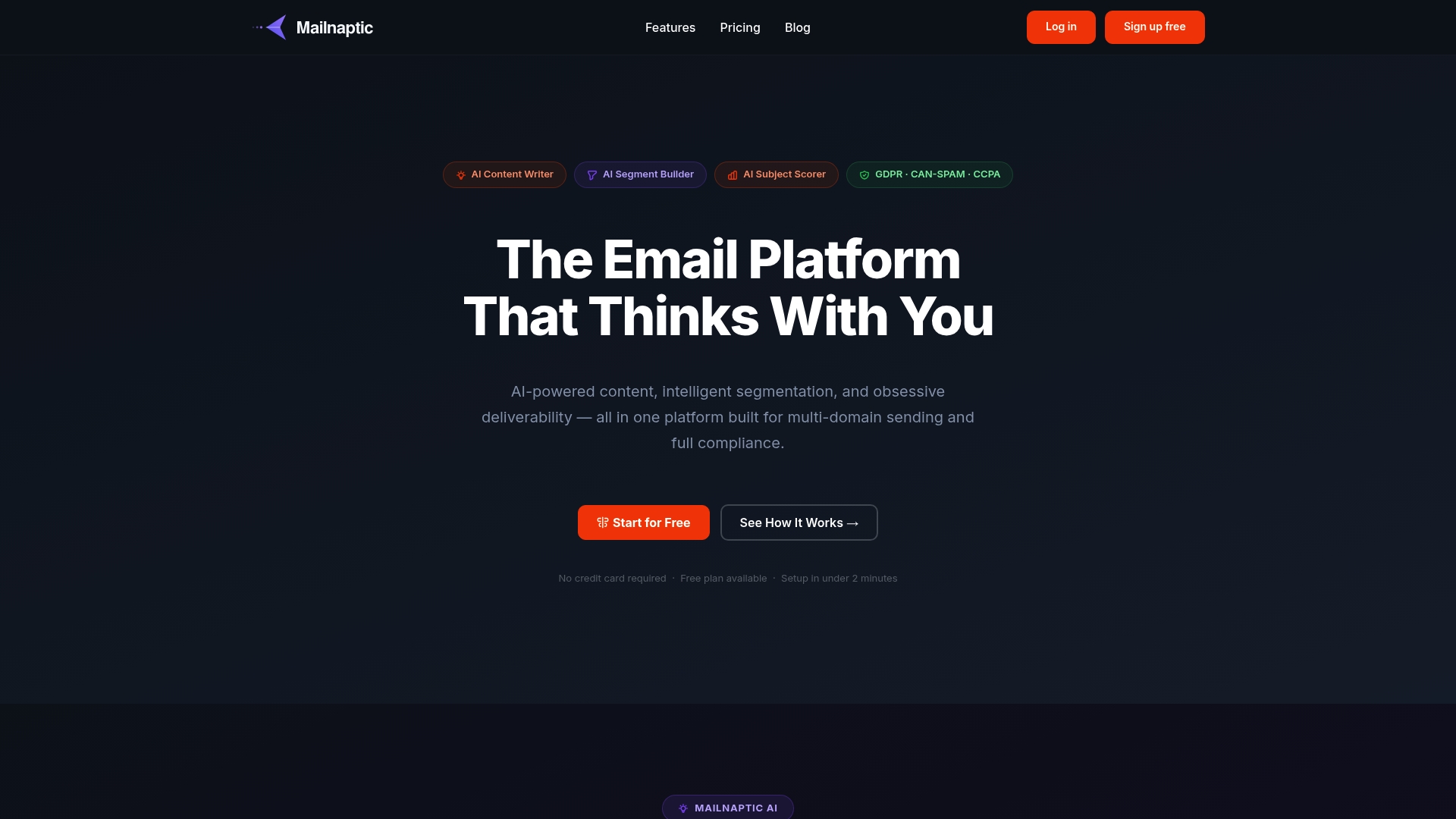
Mailnaptic’s marketing highlights automatic domain warmup and real-time bounce management as part of its deliverability stack, a notable operational feature for senders managing multiple domains. The vendor also positions the product around AI-driven decisions across content, segmentation, and analytics.
Core Features
AI-powered content generation that produces subjects, preheaders and full email copy to speed campaign creation.
Plain-English segmentation that turns behavioural descriptions into audience slices without manual rule building.
Deliverability toolkit including a DNS setup wizard, automatic domain warmup, and real-time bounce handling to protect sender reputation.
Campaign management with a drag-and-drop builder, A/B testing, scheduling, and post-mortem performance reports.
Full API and webhook support for bespoke automations and data flows.
Key Differentiator
The vendor advertises that AI is embedded at every step of the workflow, from writing messages to recommending segments and analysing outcomes. That positioning shifts routine decisions to the platform, letting teams focus on strategy rather than copy or rule plumbing.
Pros
The AI content assistance cuts drafting time. For small marketing teams, the ability to generate subject lines and full emails in minutes reduces reliance on external copy resources.
Multi-domain sending with automatic warmup helps companies that run separate brands or regional domains without rebuilding deliverability processes for each.
Strong compliance tooling addresses GDPR, CAN-SPAM, CCPA and CASL workflows, including unsubscribe management and data subject request handling.
Built-in analytics and campaign post-mortems produce concrete signals for list health and engagement, making iteration faster for teams that test often.
Pricing tiers scale by contact volume, which keeps entry costs reasonable while allowing growth into higher feature brackets.
Cons
There is a lack of substantive third-party user reviews or independent benchmarking, which makes it hard to verify real-world deliverability and user satisfaction.
The breadth of features and AI-driven controls can feel complex for occasional senders or solo entrepreneurs who want a minimal interface.
Public comparative performance data is limited, so teams that require peer-reviewed metrics for vendor selection will need to run pilot tests.
When It May Not Fit
If you send only a handful of campaigns a year and prefer minimal setup, Mailnaptic’s richer feature set and deliverability controls may add unnecessary overhead. Teams that need widely published third-party proof of deliverability performance should budget time for a pilot programme.
If your marketing workflows depend on dozens of niche integrations that are not yet built, expect to invest in custom API work rather than finding a ready-made connector.
Who It’s For
Marketing teams and in-house email specialists at mid-sized organisations that need AI assistance, multi-domain delivery and explicit compliance workflows. Good for brands that run segmented programmes and want deliverability controls without assembling multiple vendors.
Real World Use Case
A retail brand automates purchase-triggered campaigns with Mailnaptic, using AI to draft personalised follow-ups and the plain-English segmenter to isolate recent buyers. The platform schedules sends at optimised times and generates post-mortem reports to refine subject lines and timing.
Pricing
Plans start at $14 per month for 1,000 contacts, with scalable tiers and an enterprise option advertised up to $99 per month for advanced features. Contact-volume pricing makes small lists inexpensive while enabling predictable step-ups as lists grow.
Website: https://mailnaptic.com
SendX
At a Glance
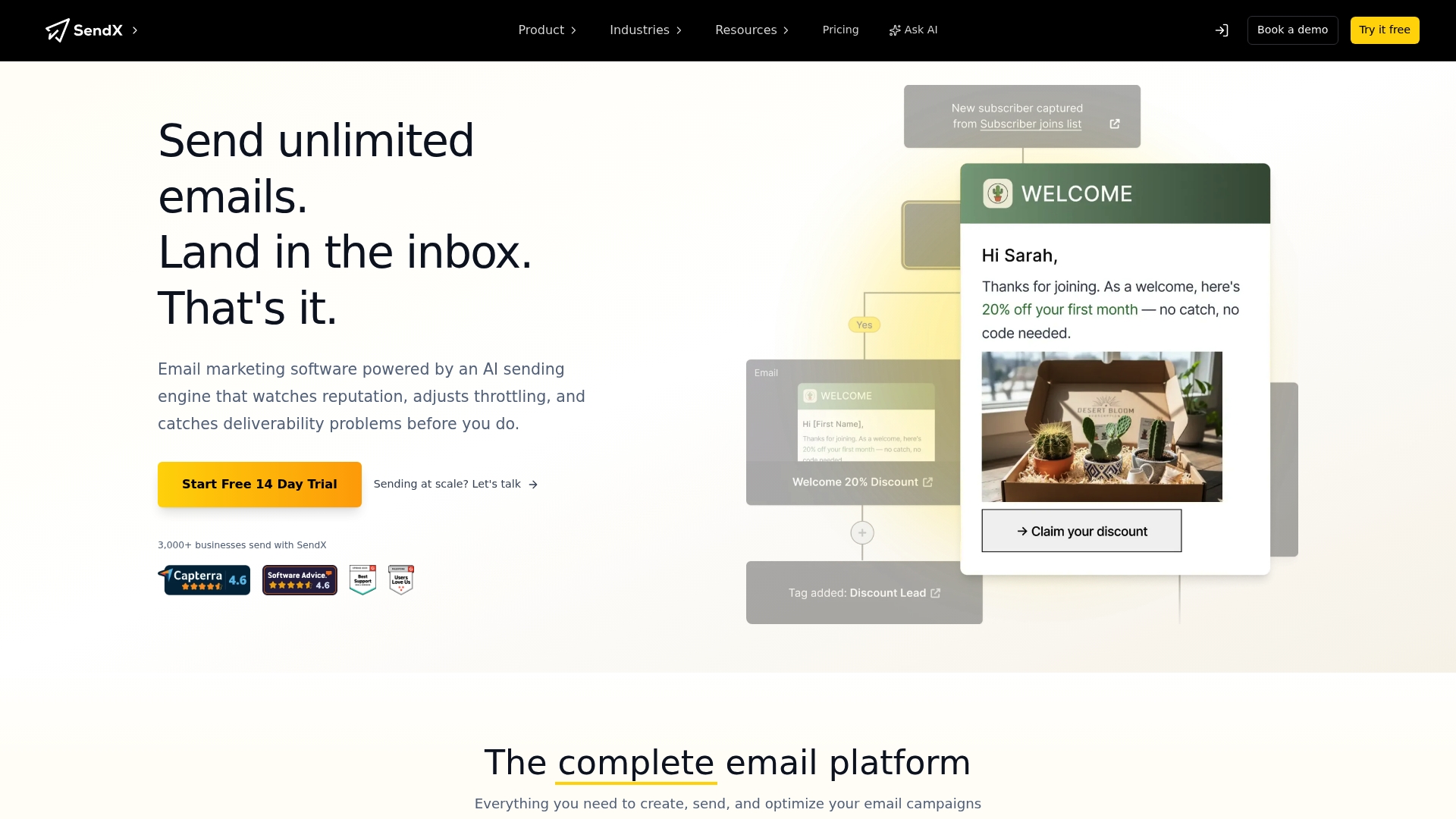
SendX’s marketing materials advertise unlimited emails and a single-tier pricing model that includes every feature. The vendor also highlights an AI powered sending engine and higher deliverability as core claims. Expect a platform pitched toward high volume senders who want simple billing and built in optimisation tools.
Core Features
Visual campaign builders support newsletters, A B split tests, drip sequences and RSS sends with drag and drop editors. The platform includes a dedicated AI Email Editor for subject lines and copy suggestions and visual workflow automation for multi step journeys.
Audience tools cover segmentation, dynamic sender options, forms, popups and conversion-minded landing pages. Deliverability features include managed deliverability, reputation tracking and inbox testing plus transactional email and API access for developers.
Key Differentiator
SendX positions its product around one clear selling point: a single tier with unlimited sending and no feature gating. That pricing claim reshapes cost projections for high volume campaigns and pairs with the vendor’s deliverability claims to create a specific operational angle for email programmes where volume matters.
Pros
Rapid setup for marketers. The drag and drop editors and pre built templates let you build a newsletter or recovery flow in under an hour.
Visual Workflows provide clear branching and conditional sends so you can map multi step customer journeys without code.
All features are reported to live behind one plan which simplifies budgeting and avoids surprise feature gates as list sizes grow.
Deliverability and reputation tools are built into the product so you get inbox testing and tracking without a separate vendor.
Scales to high volumes. Customers praise the platform for handling large sends without per message fees.
Cons
Support responsiveness is inconsistent according to user reports. Several customers describe long wait times for critical issues.
Mixed reliability reports suggest occasional deliverability or sending interruptions that take time to resolve.
Onboarding can feel lightweight for teams that need hand holding or a dedicated deliverability consultant.
When It May Not Fit
If you need a vendor with guaranteed enterprise level SLAs or a large professional services onboarding package this probably will not match your needs. Also, organisations that require rapid, hands on support for deliverability incidents may find response times frustrating.
Notable Integrations
SendX integrates with common ecommerce and automation platforms including Shopify, WooCommerce and CRMs like HubSpot. It also supports transactional email services and automation connectors such as Zapier to link with other systems.
Who It’s For
Small and medium sized businesses, ecommerce operators and marketing teams that send high volume campaigns and prefer simple, predictable billing. It fits teams that want built in deliverability tools and visual automation without a steep learning curve.
Real World Use Case
A retail ecommerce store uses SendX to send promotional newsletters, automated abandoned cart flows and segmented product offers. With the platform the team consolidates campaign sending and landing page conversions while relying on the deliverability tools mentioned above to protect inbox placement.
Website: https://sendx.io
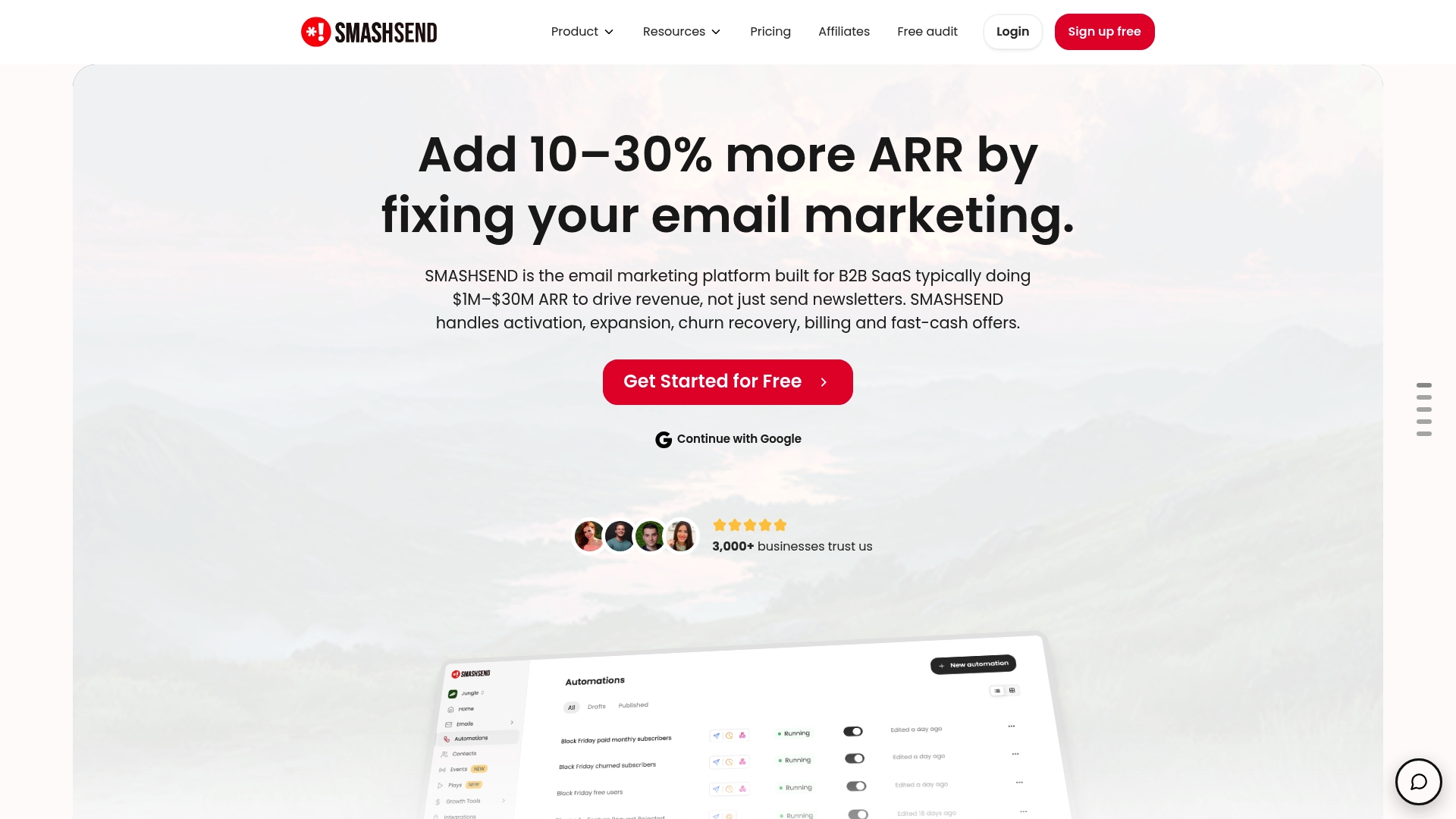
SMASHSEND
At a Glance
A transactional email API plus dedicated IP pools underline a strong focus on deliverability and revenue recovery for small teams that send both marketing and transactional messages.
The vendor’s marketing materials state enterprise-grade security and GDPR compliance, and the platform pairs that with an AI-powered responsive editor to speed copy and personalise at scale.
Core Features
Drag-and-drop editor for responsive email design with AI shortcuts to help write subject lines, snippets, and body copy quickly.
Automated email sequences and workflow triggers for onboarding, retention and churn recovery so campaigns run without manual intervention.
Transactional email API combined with basic CRM tools for contact management and segmentation, letting you link notifications with customer state.
Key Differentiator
SMASHSEND is built specifically for SaaS businesses and SMBs with an explicit emphasis on revenue-driven automation and deliverability. That focus shapes feature priorities: automation flows, transactional hooks, and deliverability controls matter more than a sprawling app marketplace.
Pros
Strong automation focus helps you map onboarding, upsell and recovery flows into production quickly, reducing manual campaign overhead.
Deliverability controls such as dedicated IP pools and SPF, DKIM and DMARC support give teams tools to protect sender reputation.
The AI-powered editor reduces writer’s block and speeds personalised copy across dozens of variants, which is handy for small marketing teams.
Built-in CRM capabilities mean basic segmentation and contact hygiene live alongside campaign tools, lowering the need for a separate contact platform.
Integrations with Zapier and Webhooks make it practical to connect events from your stack into email triggers without engineering heavy lifting.
Cons
There is limited independent review data publicly visible, so real-world reliability and support experiences are harder to verify outside vendor claims.
Pricing details are not documented in the supplied data, which makes budgeting and direct cost comparison difficult for buyers on tight margins.
Feature set skews toward SMBs and SaaS use cases; teams needing enterprise-grade account management, multi-brand tenancy, or advanced reporting may find gaps.
Notable Integrations
Zapier for no-code workflow connections.
Mailchimp listed as an integration point for list migration or parallel sends.
Webhooks and APIs for event-driven triggers and transactional message delivery.
Who It’s For
Small to medium-sized businesses and SaaS companies that need email to directly drive revenue, activation and retention. Marketing teams with modest engineering resources will appreciate the CRM and transactional hooks in one product.
Real World Use Case
A SaaS startup moves away from a simple newsletter tool to SMASHSEND to automate onboarding emails, send transactional notifications, and trigger churn re-engagement sequences. The combined automation and transactional flow improved activation and recapture metrics for that team.
Pricing
Pricing information was not provided in the product data. Prospective buyers should contact the vendor for current plans, seat or volume pricing, and any add-ons such as dedicated IP addresses.
Website: https://smashsend.com
Mailchimp
At a Glance
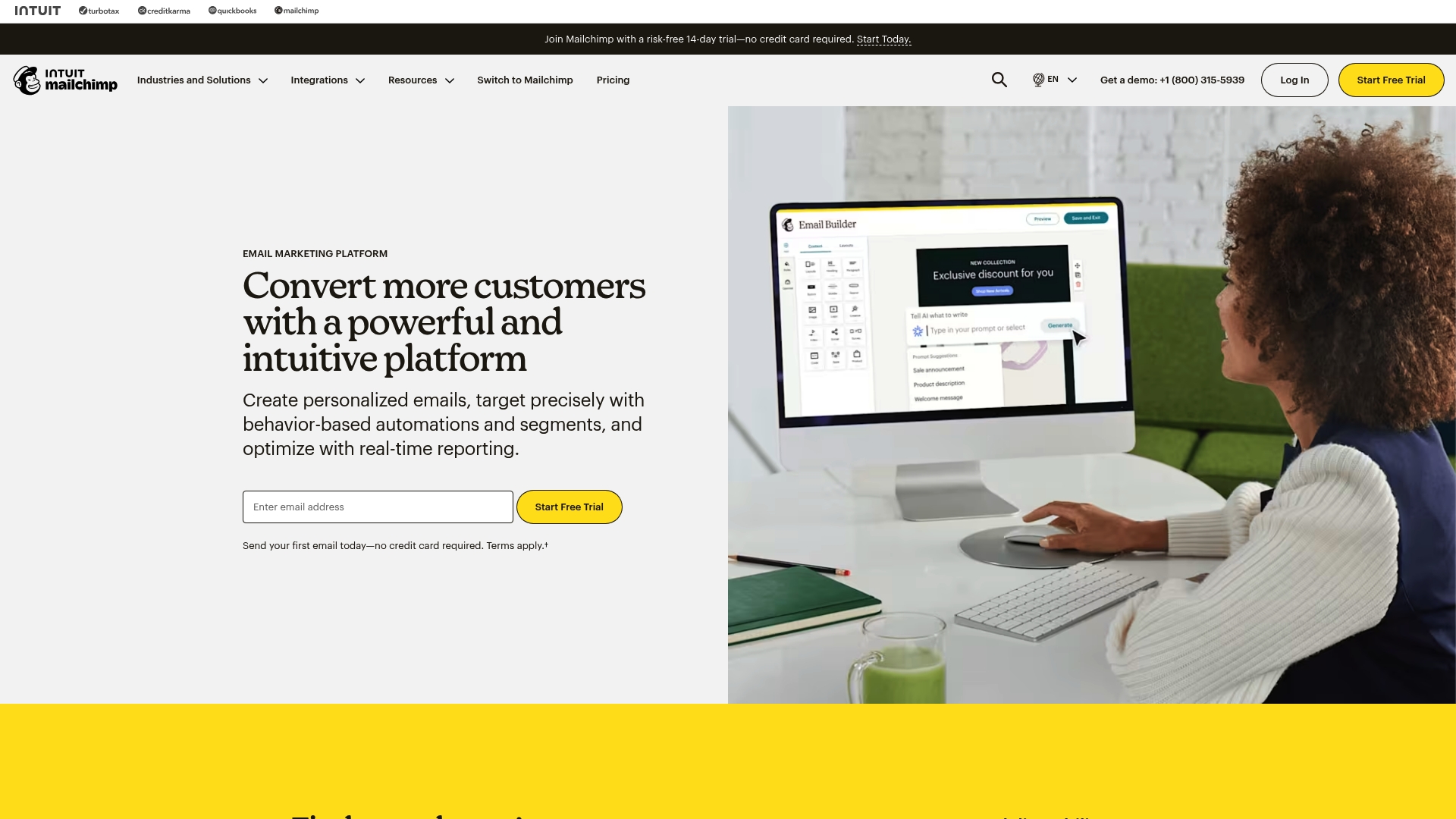
Mailchimp’s marketing materials report more than 300 integrations across ecommerce platforms, CRMs and productivity apps, a scale that shapes how teams stitch campaigns into broader tech stacks. That ecosystem claim helps explain why many small merchants pick it first.
Core Features
The product centres on a drag-and-drop email designer and workflow automation that reacts to user behaviour. Templates reduce design time for routine campaigns and product drops.
Behaviour-based automation workflows for welcome series, abandoned cart recovery and reactivation.
Advanced audience segmentation and dynamic content to tailor messages by purchase history or engagement.
Real-time analytics and reporting so you can compare subject line tests and campaign funnels quickly.
Key Differentiator
Mailchimp combines a broad integration ecosystem with layered automation so a single campaign can trigger across a store, a CRM and a third-party analytics tool. That architectural focus makes it practical for teams that want an admin-friendly interface but still need multi-system coordination.
Pros
Intuitive campaign builder reduces design time for marketers who lack a developer. Drag, drop, send.
Automation templates let you map typical ecommerce flows without starting from scratch. Useful for abandoned cart and onboarding sequences.
The integration reach above gives flexibility to connect storefronts, payment processors and analytics without custom middleware.
Advanced segmentation and personalization features let you target microsegments based on behaviour and purchase history, improving relevance.
Cons
Pricing grows with list size and feature needs, which can make the platform costly once you pass a few thousand contacts.
The interface contains many nested options. New users report a learning curve before they can run complex automations confidently.
Free accounts receive limited support and access to advanced features, which slows ramp for teams that need hands-on help.
Some users have reported occasional deliverability hiccups that reduce open rates for sensitive campaigns.
When It May Not Fit
If your contact base numbers in the high tens of thousands and budget sensitivity matters, the cost model may become prohibitive. If your team needs phone-level onboarding or a white-glove deliverability programme, Mailchimp’s self-serve posture can feel thin.
Notable Integrations
Common platform connections in the product data include:
Shopify, WooCommerce, Canva, Zapier, Square, Wix, Squarespace
Salesforce, Stripe, LinkedIn, Wordpress, Facebook
These integrations make it straightforward to trigger automations from purchases, form signups and third-party events.
Who It’s For
Small to medium-sized businesses, ecommerce stores and nonprofits that want a single email platform which can grow from simple campaigns to multi-step automations. Good for teams that value a large app ecosystem and DIY setup over a dedicated onboarding service.
Real World Use Case
A fashion retailer segments customers by recent purchase frequency, then sets an automated abandoned cart recovery that includes product recommendations pulled from the store. Reporting shows which subject lines lifted conversions and which segments needed different incentives.
Pricing
Free for up to 250 contacts with limited features. Paid plans begin at about $13 per month for Essentials. Standard and Premium tiers add advanced automations, predictive segmentation and additional onboarding options, with pricing that scales by contact count and features required.
Flodesk
At a Glance
Starts at $19 per month for up to 1,000 subscribers, with a free plan that supports form and landing page creation but not email sending. The product emphasises brand-forward design and a minimal learning curve over deep automation or enterprise integrations.
Core Features
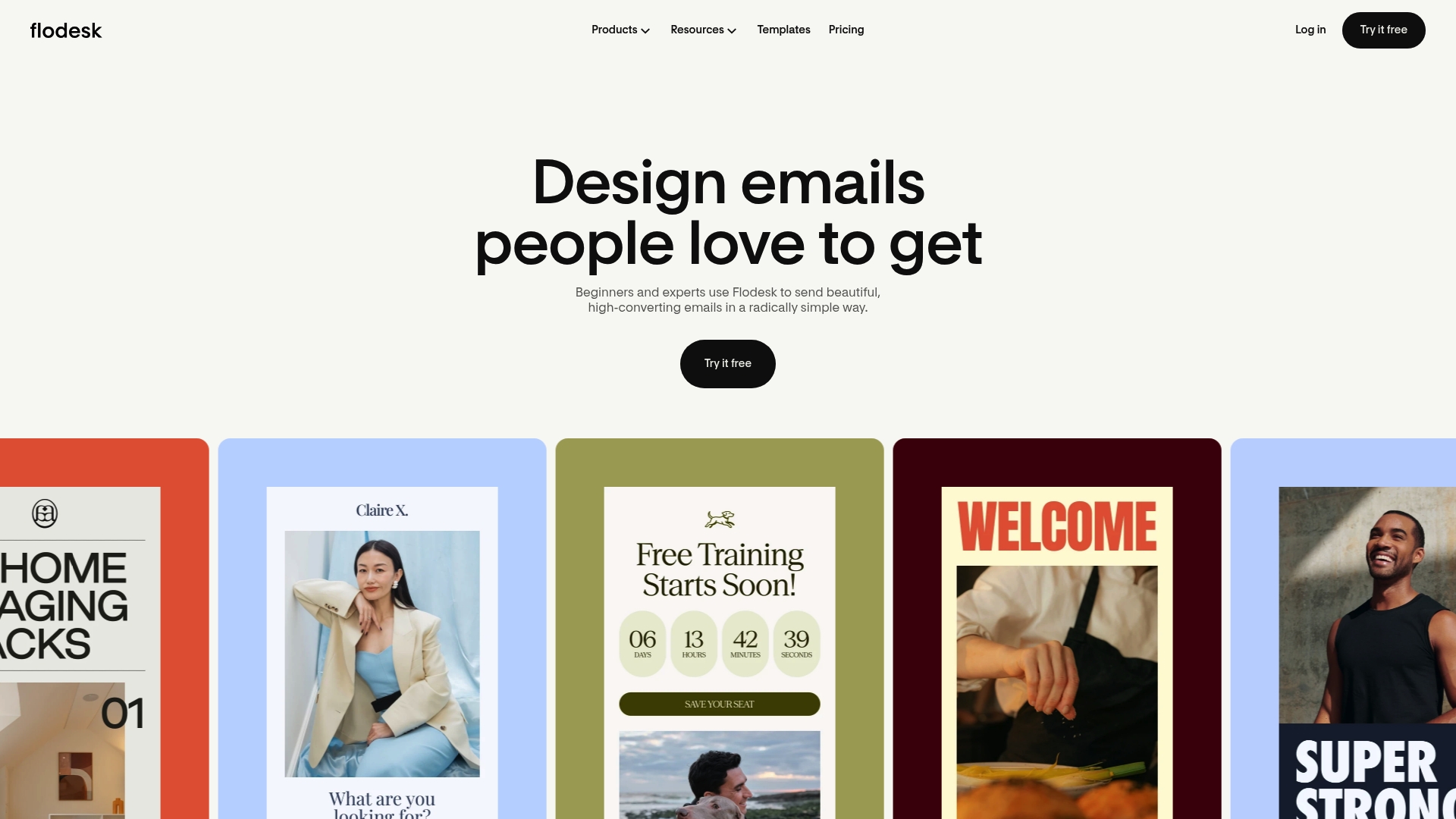
Beautiful email templates with customisable design controls that let you match brand fonts and layouts without CSS knowledge.
Drag-and-drop email editor for rapid composition and visual editing on desktop and tablet.
Automation workflows to map simple subscriber journeys like welcome sequences and abandoned cart follow ups.
Engagement analytics and reporting that show opens, clicks, and basic conversion signals.
Key Differentiator
Flodesk stands out for making design the central feature rather than an add-on. The templates and visual editor are built for creators and boutique brands who measure success by how an email looks in a feed or on a phone. That emphasis shortens design time and raises visual consistency across campaigns.
Pros
Highly aesthetic templates help emails stand out in crowded inboxes and maintain brand cohesion across campaigns.
The interface is intuitive for beginners yet fast enough for experienced marketers to build campaigns quickly.
Brand customisation options let you set fonts, colours, and layouts that match your visual identity without external tools.
Automation and segmentation support personalised journeys for different subscriber behaviours without complex setup.
Built in list growth tools include popups, landing pages, and forms that work with Instagram and other channels.
Cons
Native integrations are fewer than some market leaders, so complex multi tool automations may require Zapier or custom development.
Automation lacks the depth and conditional branching advanced teams expect from top tier platforms.
The account review process can delay initial access for some users, which hurts fast launches.
Analytics do not dig as deep into automation performance or revenue attribution as specialist tools do.
When It May Not Fit
If your team needs multi step, conditional automations or advanced attribution, Flodesk will feel limiting. Organisations that require many native integrations for enterprise ecommerce, CRM syncing, or BI reporting will need additional middleware or a platform with broader connectors.
Notable Integrations
Flodesk offers native connections to Shopify, Canva, Instagram, Wix, HoneyBook, Typeform, and Squarespace. It also supports Zapier for glue workflows and third party integrations when a direct native link is not available.
Who It’s For
Creative entrepreneurs, boutique retailers, and small business owners who prioritise visual branding in email and want simple automation without technical overhead. Ideal when design polish and fast campaign production matter more than advanced segmentation rules.
Real World Use Case
A boutique clothing brand sends seasonal lookbook emails using Flodesk templates, automates a two step abandoned cart series, and captures sign ups from Instagram links and site popups. The visual emails increase engagement and reduce design time for each drop.
Pricing
Pricing starts at $19 per month for up to 1,000 subscribers and scales with subscriber count across Lite, Pro, and Everything tiers. There is a free plan limited to forms and landing pages but it does not include email sending.
Website: https://flodesk.com/email
Comparative Analysis of Digital Marketing Education Services
When assessing digital marketing education platforms, considerations such as pricing structure and use-case suitability emerge as priorities for many prospective users. Below, we evaluate the key strengths and limitations of the featured service, M50 Media, alongside its competitors — shedding light on the most suitable platform for varying needs.
Tailored Coaching versus General Solutions
A crucial distinction between M50 Media and its competitors lies in the mentorship aspect. M50 Media uniquely offers personalized one-on-one digital marketing coaching sessions, directly addressing individual challenges. On the other hand, platforms like Mailchimp and Flodesk emphasize self-service tools and templates. While these are cost-efficient and scalable, they might not provide the depth of strategy or custom advice needed for complex problems. However, such self-sufficiency can appeal to resource-light teams requiring predefined workflows.
Pricing Transparency and Accessibility
M50 Media distinguishes itself with flat and transparent pricing ( $100 per session), coupled with a free initial consultation to align expectations. In contrast, platforms like SendX boast unlimited email sends for a single-tiered pricing model, emphasizing scalability over customized guidance. This makes SendX a contender for businesses prioritizing high-volume needs but may lack the immediate directive offered by hands-on coaching.
Best Fit Recommendations
M50 Media: For professionals or business owners requiring bespoke advice on specific marketing dilemmas such as SEO strategy or advertisement optimization.
SendX: Well-suited for businesses focusing on high throughput communication campaigns due to its unlimited email sending and predictable costs.
Flodesk: Attractive to boutique brands desiring visually appealing email layouts with minimal design overhead.
Our Pick: M50 Media
M50 Media stands out as the prime choice for individuals or organizations looking for directly applicable marketing expertise tailor-fit to unique scenarios. However, if operational scale or autonomy is a higher priority than one-on-one insight, an alternative platform might prove more compatible.
Digital Marketing Education Services Comparison
Compare top digital marketing education services to find the one that suits your needs best, focusing on targeted and effective skill development, flexible learning formats, and tailored applications.
Service | Core Feature | Pricing | Best for | Limitation |
M50media | One-on-One Marketing Coaching | $100/session | Entrepreneurs needing practical advice | Limited visibility into multi-month packages |
Mailnaptic | AI-driven Email Marketing with Deliverability Tools | $14/month | Mid-sized organisations seeking AI assistance | Lacks extensive comparative performance data |
SendX | Unlimited Email Sending, Simplified Pricing | $19/month | High-volume marketing campaigns | Reports of inconsistent support and reliability |
SMASHSEND | Revenue-focused Email Automation Tools | Not disclosed | SMBs and SaaS companies | Feature set limited for enterprise applications |
Mailchimp | Ecosystem-integrated Email Marketing | $13/month | Small to mid-sized ecommerce businesses | Costs scale quickly with list growth |
Flodesk | Aesthetic Email Designer for Branding Professionals | $19/month | Creative entrepreneurs prioritising design | Lack of advanced automation and segmentation |
Discover the Right Email Marketing Tools with Expert Guidance from M50media
Choosing the right email marketing tool can feel challenging given the variety of options and features described in the “Top 6 top email marketing tools alternatives 2026” article. Whether you struggle with deliverability, automation complexity, or the need for AI-powered content creation, M50media offers tailored coaching to help you cut through the noise. Karl Lundgren’s practical advice ensures you focus on tools and strategies that fit your unique business needs.
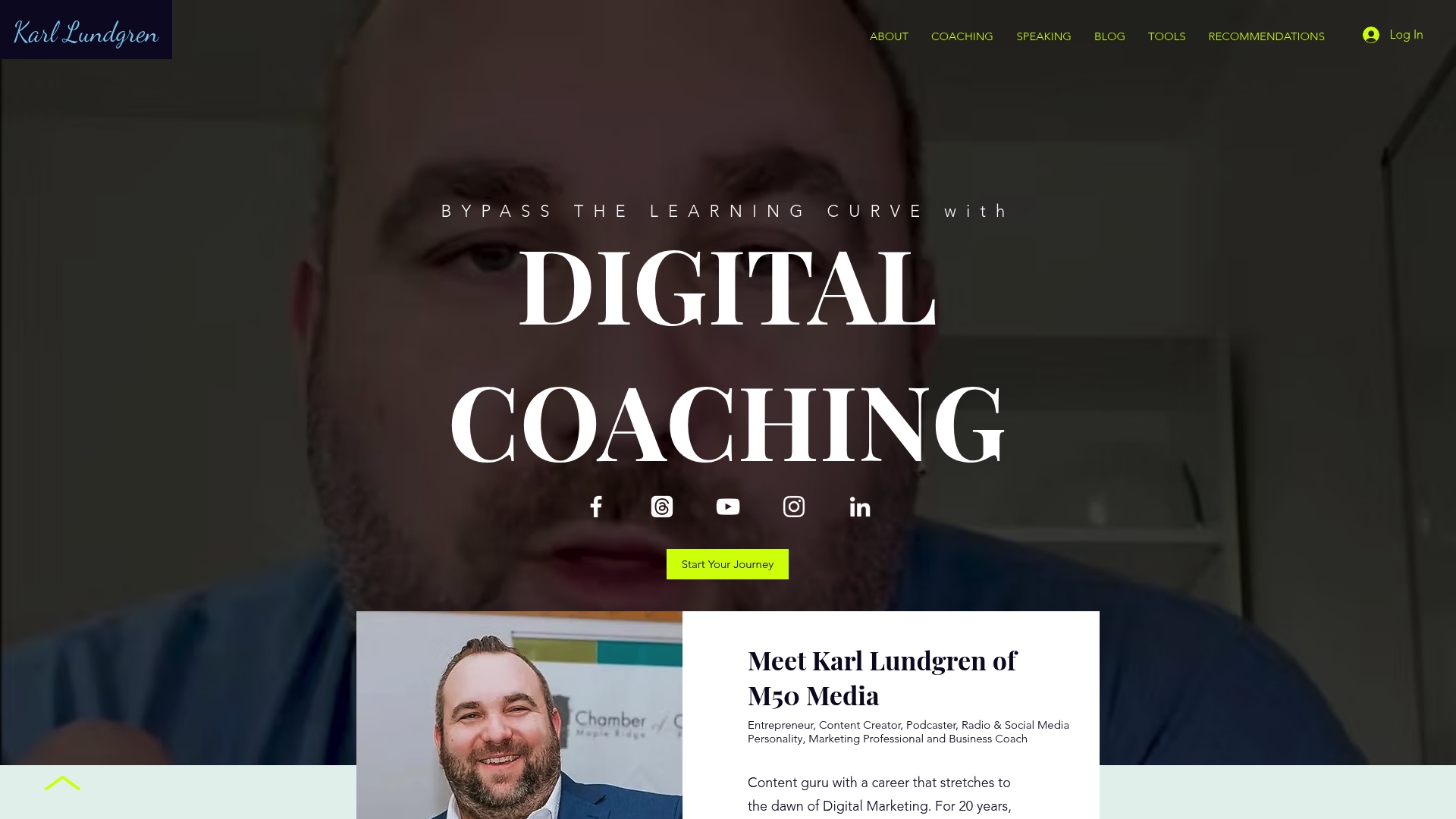
Explore personalised solutions and actionable next steps with All Products | Karl Lundgren M50. Visit M50 Media to book a coaching session and leave with a clear email marketing plan designed just for you.
Frequently Asked Questions
How does M50media’s coaching approach enhance immediate implementation for entrepreneurs?
M50media’s personalized digital marketing coaching sessions focus on providing actionable strategies that can be immediately applied. The sessions cover topics like SEO and social media, ensuring you leave with a specific task list for the week. This practical approach means you can enhance your marketing efforts right away.
What is the difference between Mailchimp and M50media for new marketers?
Mailchimp excels in offering a vast range of integrations with over 300 platforms, making it ideal for marketers who need extensive ecosystem compatibility. M50media, on the other hand, provides direct coaching that helps clients tackle specific challenges without the steep learning curve associated with platform-heavy solutions. Choose M50media if you’re looking for personalized guidance rather than just tools.
Can I use M50media if I have a specific SEO issue to resolve?
M50media is tailored for businesses facing specific challenges like SEO issues, offering targeted coaching to address those problems directly. The sessions include practical next steps that can lead to measurable improvements in your digital marketing strategy. This makes M50media a fitting choice for those needing focused assistance.
Which platform is better for small businesses needing an affordable entry point?
M50media provides a free initial strategy call, helping small businesses gauge their needs before investing in a paid session priced at $100 for 40 minutes. This lower-commitment option allows businesses to assess whether M50media’s coaching fits their requirements without initial costs.
How does the M50 Blog support ongoing learning after sessions?
The M50 Blog complements coaching sessions by offering educational articles, case studies, and templates directly related to the topics discussed in the coaching. This continuous learning resource helps clients revisit strategies and apply them effectively long after the sessions are completed.
Recommended
Comments